

- tokens,
- NFTs,
- transactions,
- blocks,
- wallets, and
- events
Prerequisites
Before you begin, make sure you have:- A registered Ormi account
- An API key
- A REST client (e.g., curl, Postman, or any HTTP client)
Get started
Step 1: Identify the base URL
The base URL for all requests is:Step 2: Add the endpoint path
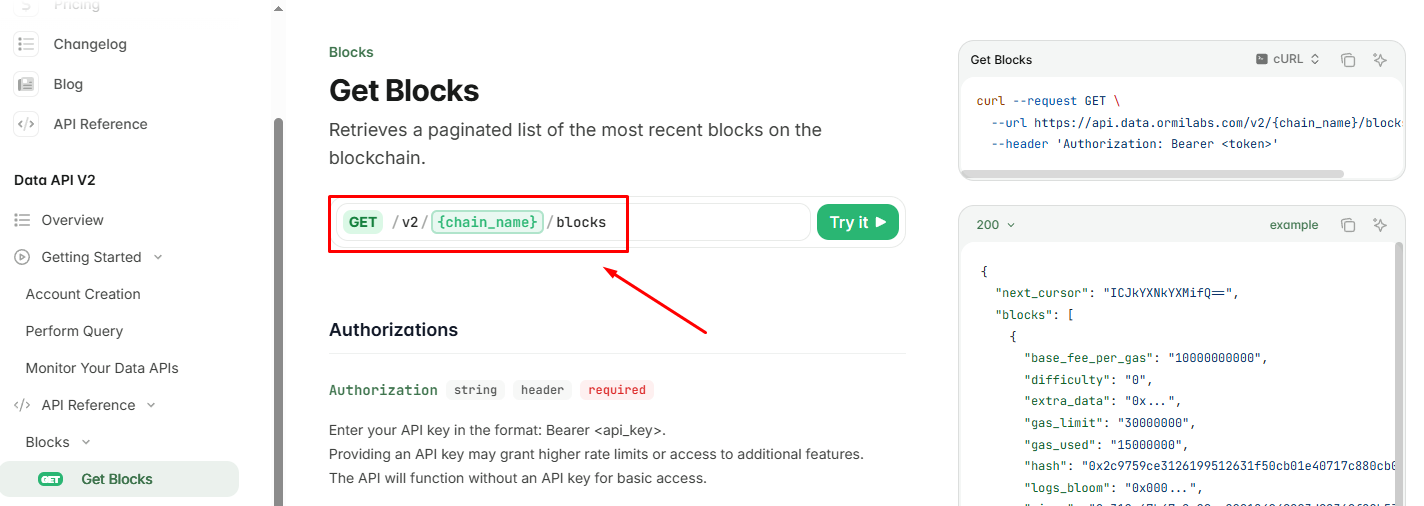
Resources

Find supported chains
See all the supported chains for chain_name

Find endpoint path
Check out the API reference to find each endpoint’s path.
Step 3: Include query parameters
Use query parameters to customize your request and narrow down the results. Common examples include filtering by wallet address, limiting response size, or selecting specific block ranges.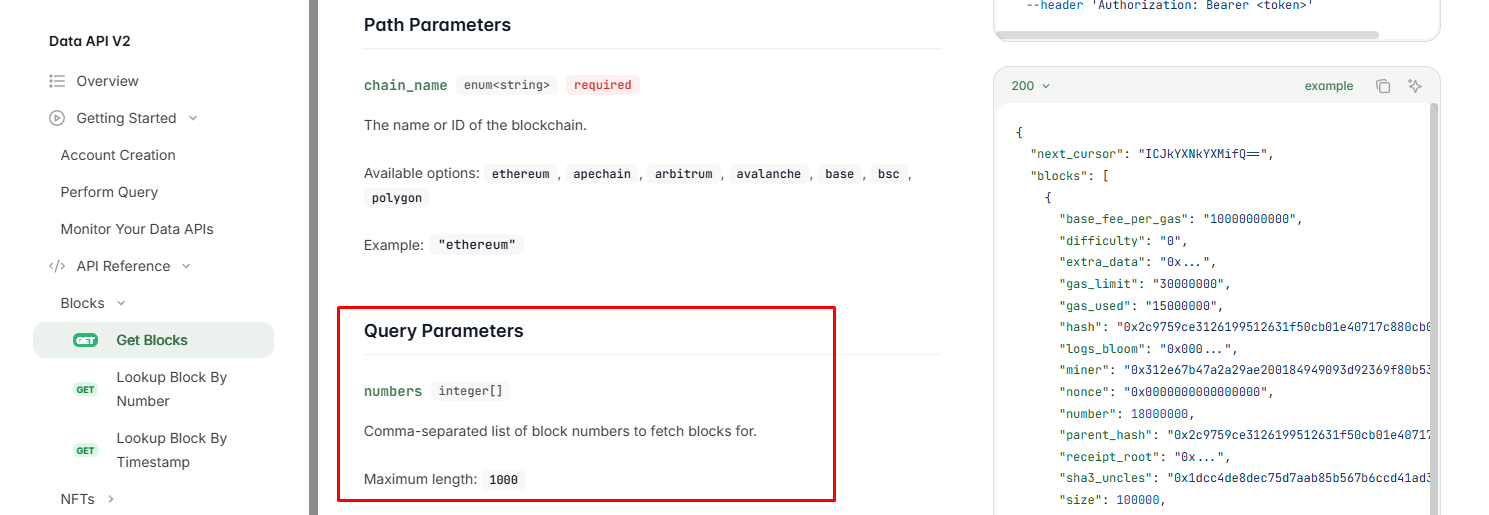
Step 4: Add authentication headers
Step 5: Make the request
Use your REST client to send a GET request to the constructed URL. Below is a minimal example usingcurl:
<token> with your API key and {chain_name} with the network you’re querying (ex. eth-mainnet).
