> ## Documentation Index
> Fetch the complete documentation index at: https://ormilabs.com/docs/llms.txt
> Use this file to discover all available pages before exploring further.
# Monitor Your Subgraph
> Learn how to monitor your subgraph syncing progress and logs after deployment
# Monitor your subgraph via the Analytics Page
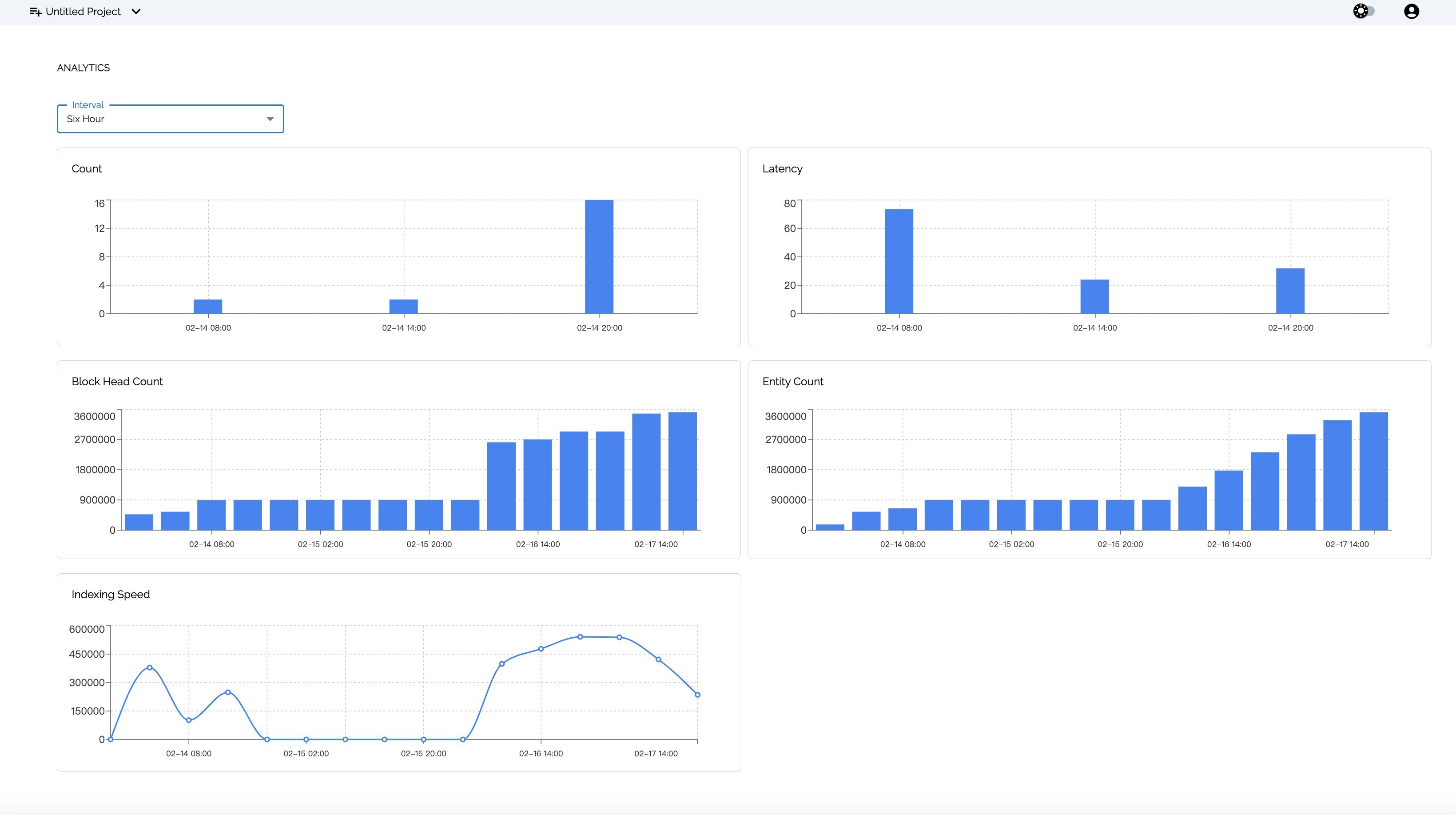
After deploying your subgraph, you can easily monitor the syncing progress and subgraph logs for up to 48 hours to gain insight and troubleshoot any issues that may come with your subgraph.
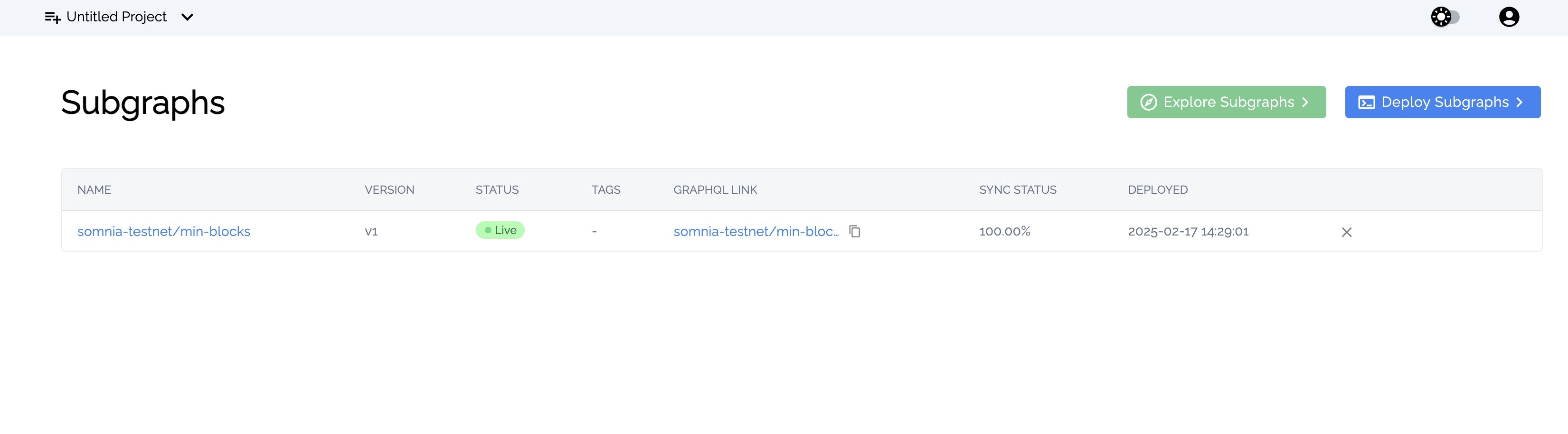 You can access your deployed subgraph analytics page by clicking on the subgraph name; afterward, you will be directed to the following analytics page.