> ## Documentation Index
> Fetch the complete documentation index at: https://ormilabs.com/docs/llms.txt
> Use this file to discover all available pages before exploring further.
# Account Creation
> How to create your 0xGraph account
## Setup Steps
### 1. Create Account
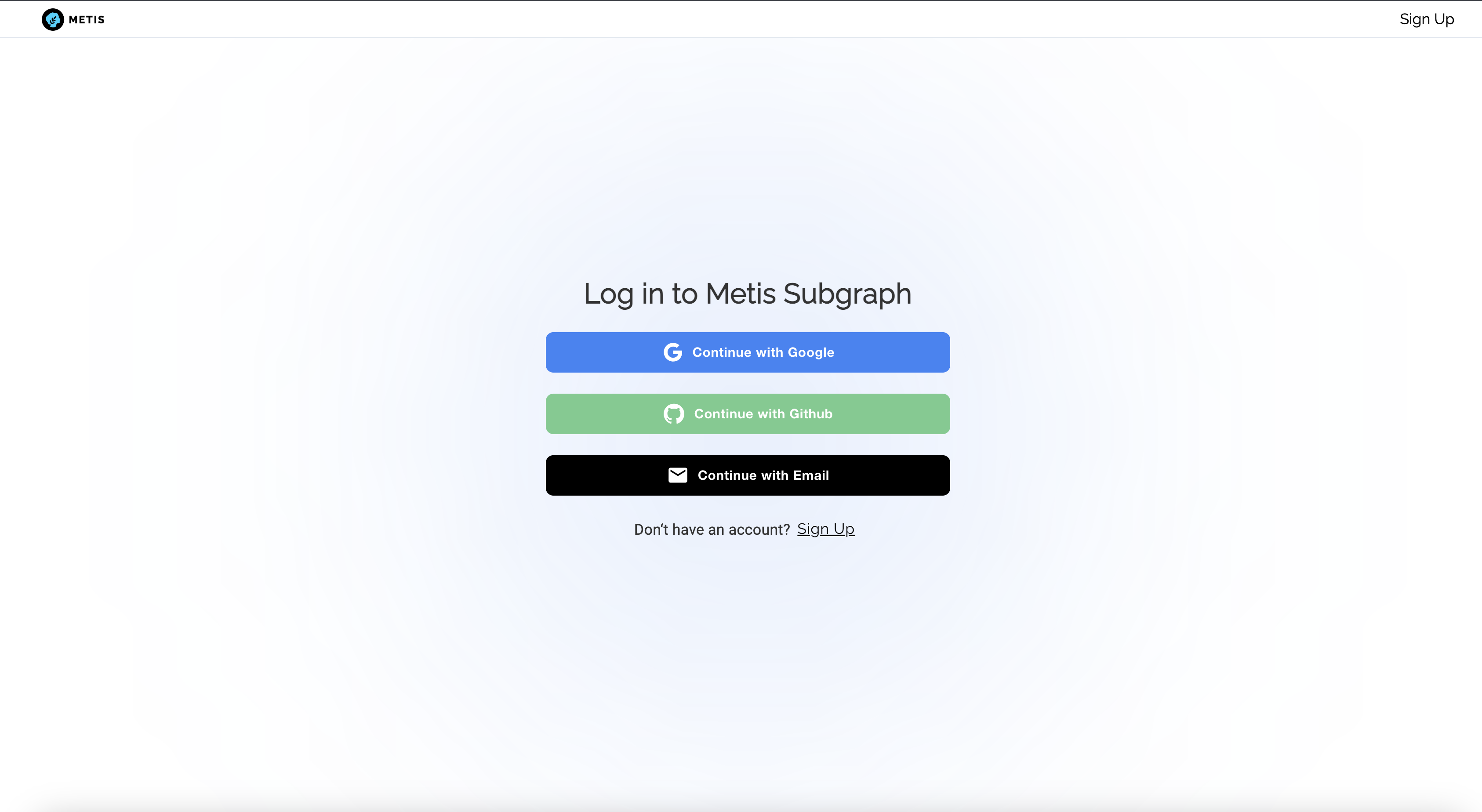
Visit [metis.0xgraph.xyz](https://metis.0xgraph.xyz) to create your account.
 ### 2. Choose Subscription Plan
Choose a plan that best fits your needs in [Settings page](https://metis.0xgraph.xyz/dashboard/settings).
### 2. Choose Subscription Plan
Choose a plan that best fits your needs in [Settings page](https://metis.0xgraph.xyz/dashboard/settings).
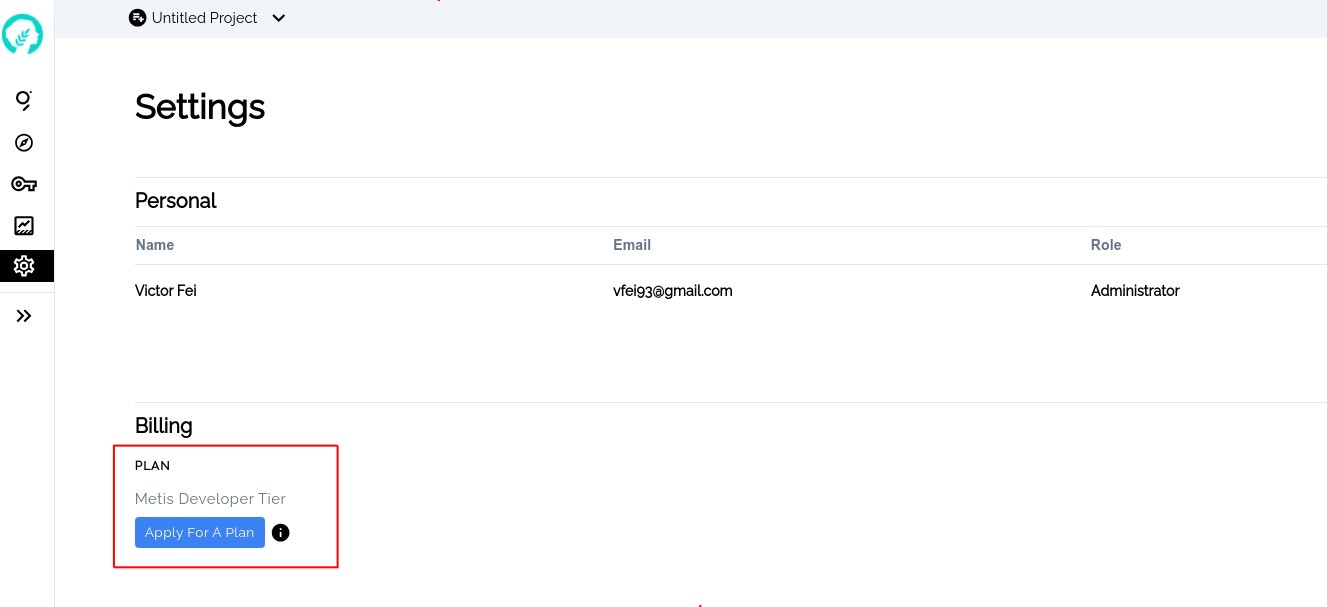 Choose a subscription plan
### 3. Generate API Key
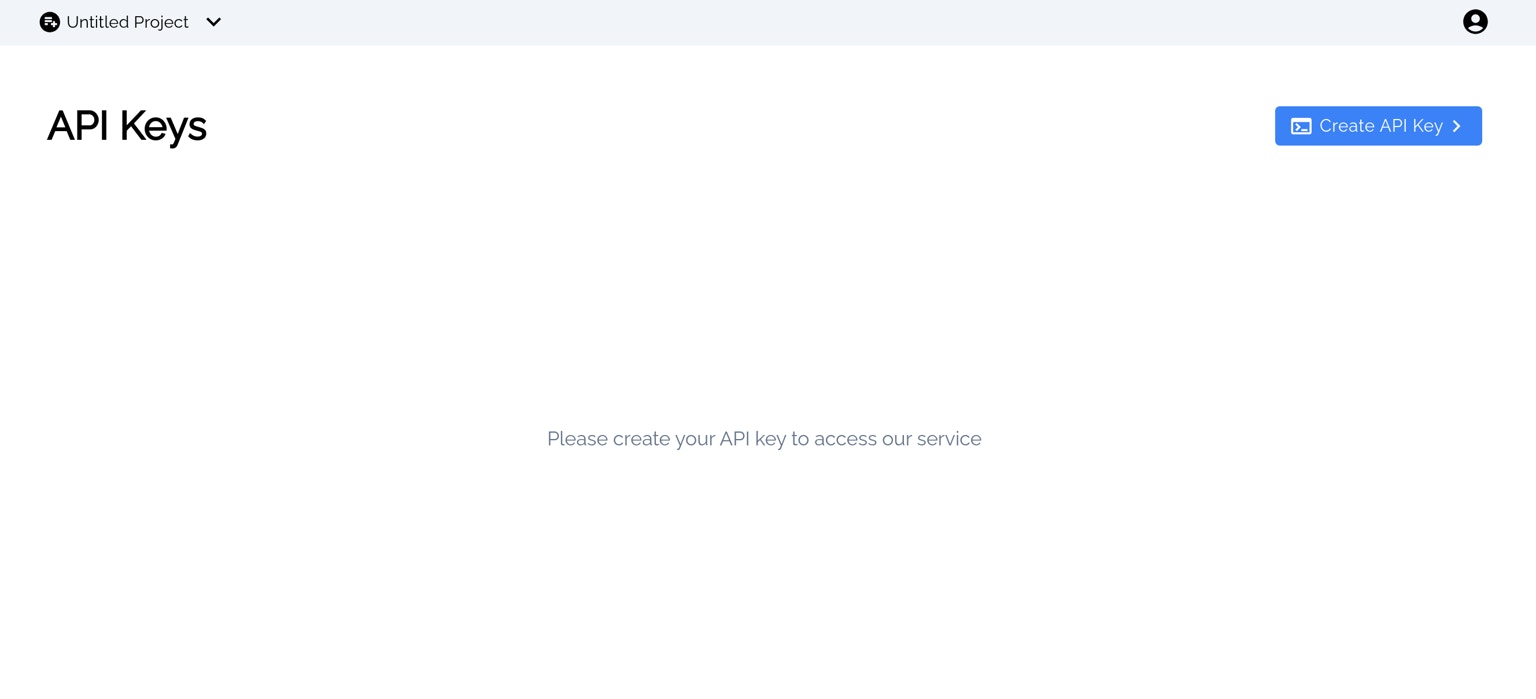
Go to the [API Keys Page](https://metis.0xgraph.xyz/dashboard/api) to create your API key.
Choose a subscription plan
### 3. Generate API Key
Go to the [API Keys Page](https://metis.0xgraph.xyz/dashboard/api) to create your API key.
 API Keys
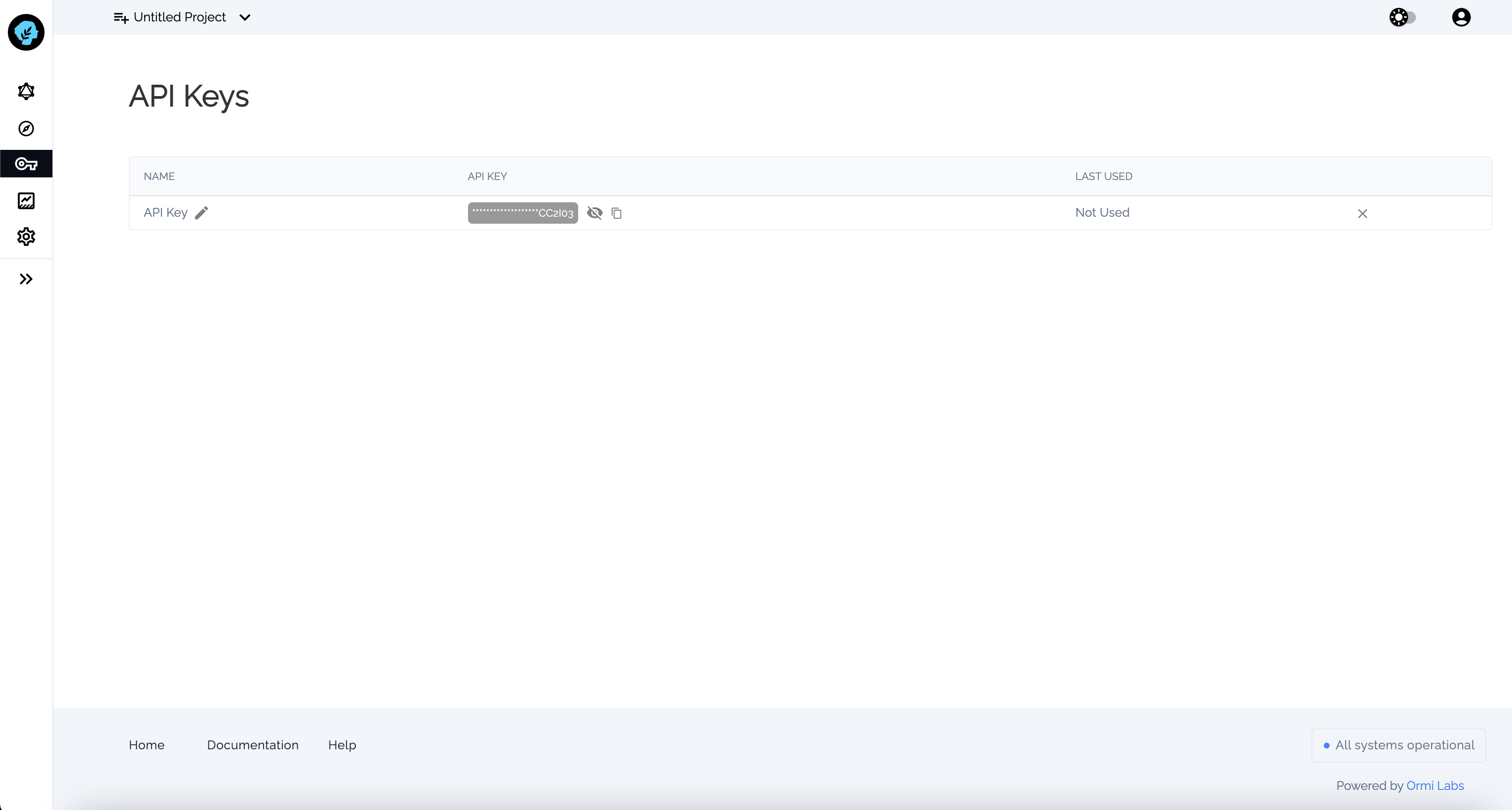
After clicking the 'Create API Key' button in the top-right corner, your API key will be generated. You can then copy and paste it into your commands as needed.
API Keys
After clicking the 'Create API Key' button in the top-right corner, your API key will be generated. You can then copy and paste it into your commands as needed.
 API Keys
Warning: Always handle your API keys securely. Do not expose them in
client-side code or share them publicly. Store them in a secure location, such
as environment variables, and rotate them regularly to minimize security
risks. If compromised, regenerate your API key immediately. For public
repositories, store API keys in a .env file and add .env to .gitignore to
prevent accidental exposure in your codebase.
You are all set and ready to go for deploying a subgraph.
API Keys
Warning: Always handle your API keys securely. Do not expose them in
client-side code or share them publicly. Store them in a secure location, such
as environment variables, and rotate them regularly to minimize security
risks. If compromised, regenerate your API key immediately. For public
repositories, store API keys in a .env file and add .env to .gitignore to
prevent accidental exposure in your codebase.
You are all set and ready to go for deploying a subgraph.