> ## Documentation Index
> Fetch the complete documentation index at: https://ormilabs.com/docs/llms.txt
> Use this file to discover all available pages before exploring further.
# Cheat Sheet
> Streamlined Guide: Deploying Subgraphs on 0xGraph with The Graph CLI
## Overview
This quick start guide outlines streamlined instructions for deploying Subgraphs using the Command Line Interface (CLI). Developers looking to swiftly incorporate Subgraph capabilities into their projects will find straightforward guidance and pro tips for getting set up fast.
This cheat sheet condenses essential commands, tips, and best practices into
an indispensable reference for anyone deploying a Subgraph. Developers will
find this streamlined guide invaluable for swiftly progressing through the
deployment workflow and resolving frequent pain points. With key information
consolidated in one place, engineers can deploy Subgraphs more efficiently and
focus their efforts on building applications powered by real-time,
customizable blockchain data indexes.
## 1. Get started by installing The Graph CLI
Download The Graph CLI via npm
```bash theme={null}
npm i @graphprotocol/graph-cli
```
Install The Graph npm package
## 2. Generate API key
Create an API key: Visit [0xGraph Dashboard](https://metis.0xgraph.xyz/dashboard/api) to generate your API key
You need to specify the 0xGraph deployment endpoint. Your API key should only
be used for the 0xGraph deployment endpoint.
## 3. Generate types and mappings for your Subgraph
Go to your Subgraph root directory where `subgraph.yaml` file is located
```bash theme={null}
cd
```
Run the following command to generate AssemblyScript types for smart contract ABIs and the subgraph schema
```bash theme={null}
graph codegen
```
## 4. Compile your Subgraph
Run the following command to compile your Subgraph into WASM (WebAssembly)
```bash theme={null}
graph build
```
## 5. Deploy your Subgraph to 0xGraph
Paste the API key generated in step 2 and run the following command to deploy your Subgraph to 0xGraph
```bash theme={null}
graph deploy --node
https://metisapi.0xgraph.xyz/deploy
--ipfs https://metisapi.0xgraph.xyz/ipfs
--deploy-key
```
If prompted to enter the version, use the version of The Graph CLI that you
downloaded.
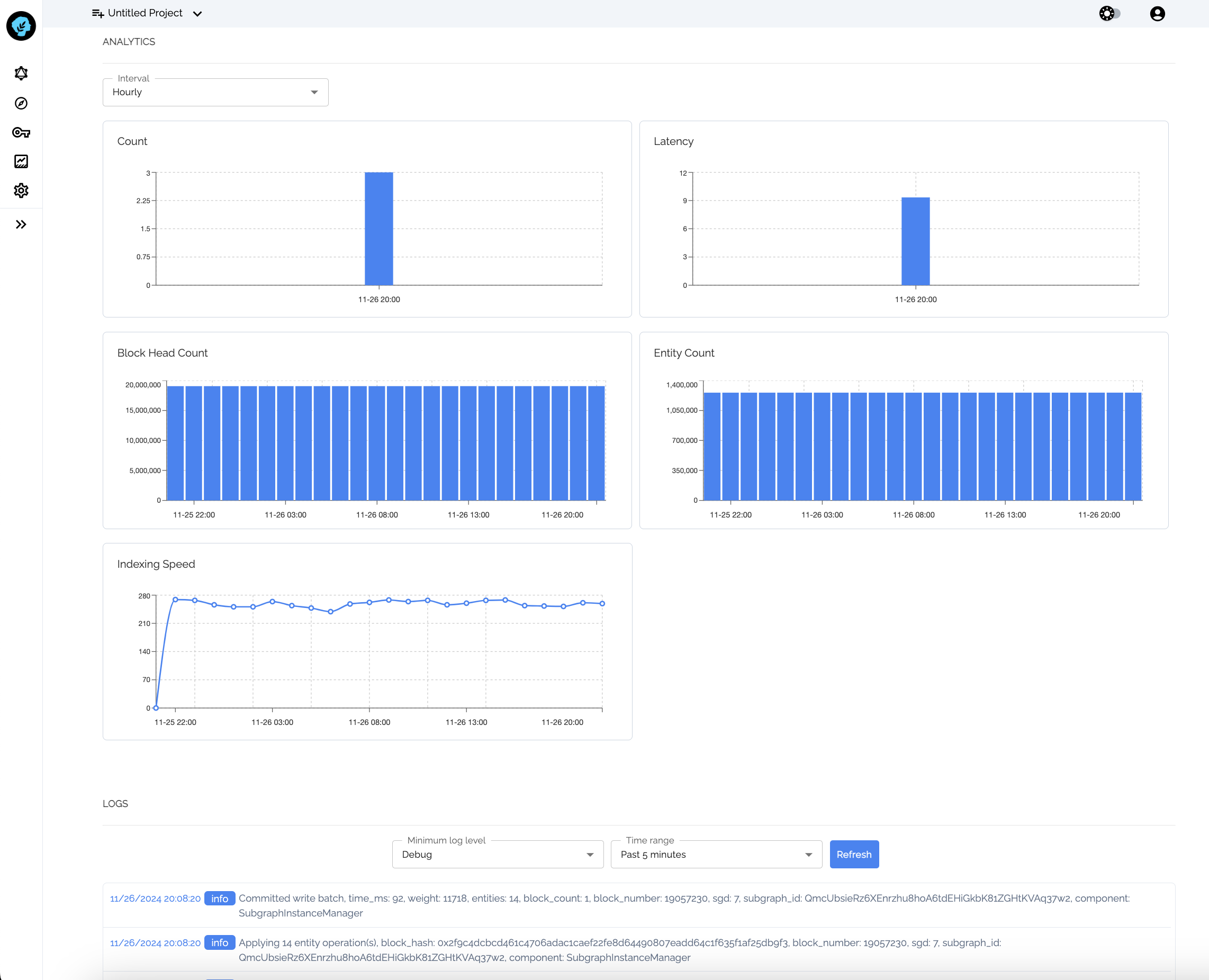
You can now monitor your Subgraph deployment in the 0xGraph app
 ## Quick Start in the App
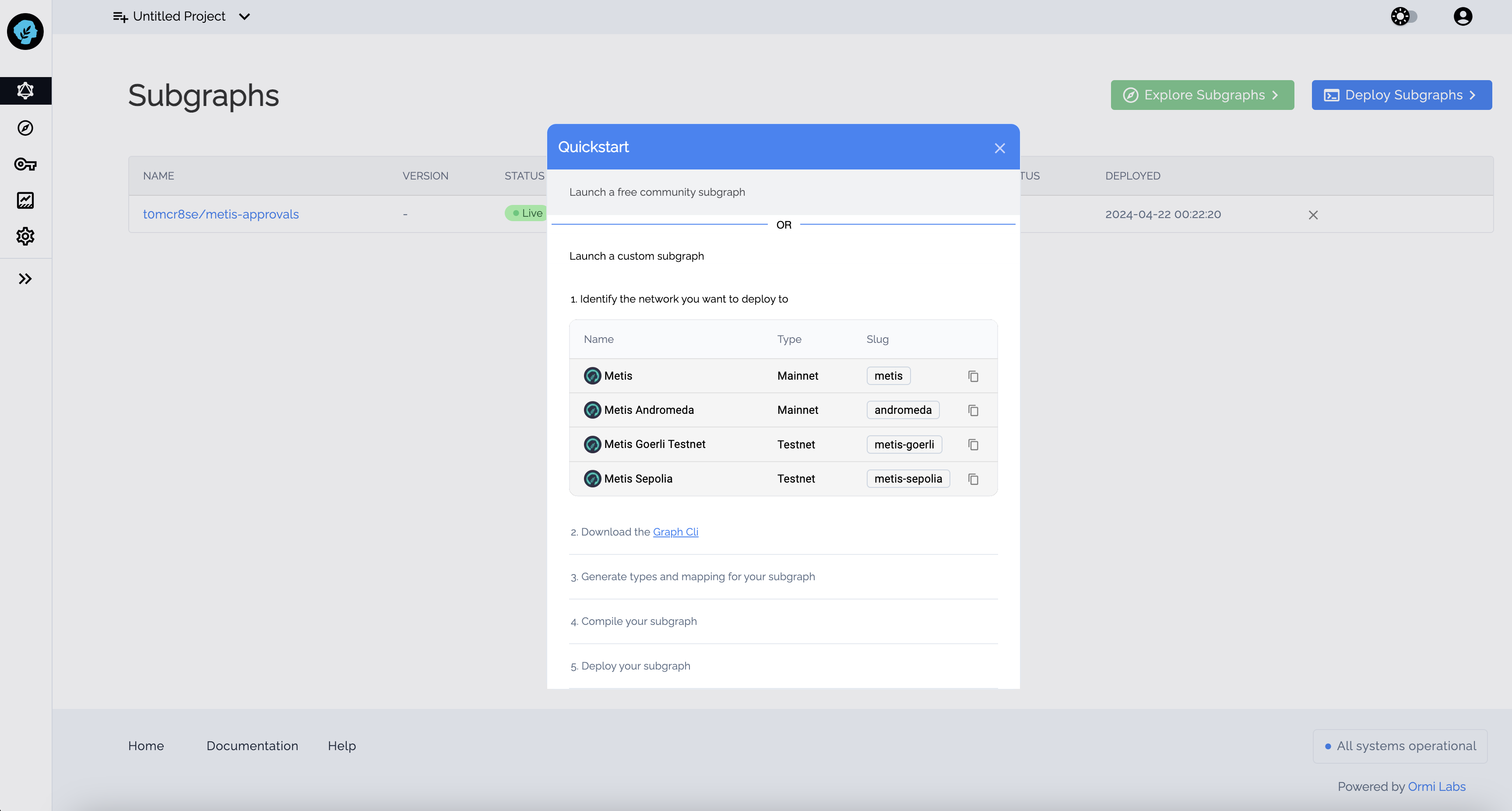
The [0xGraph Web App](https://metis.0xgraph.xyz) also offers a concise guide to assist users in deploying their Subgraphs effectively
## Quick Start in the App
The [0xGraph Web App](https://metis.0xgraph.xyz) also offers a concise guide to assist users in deploying their Subgraphs effectively